

Run Invite Only Pickup With One Invite Link for Organizers
Run Invite Only Pickup With One Invite Link for Organizers
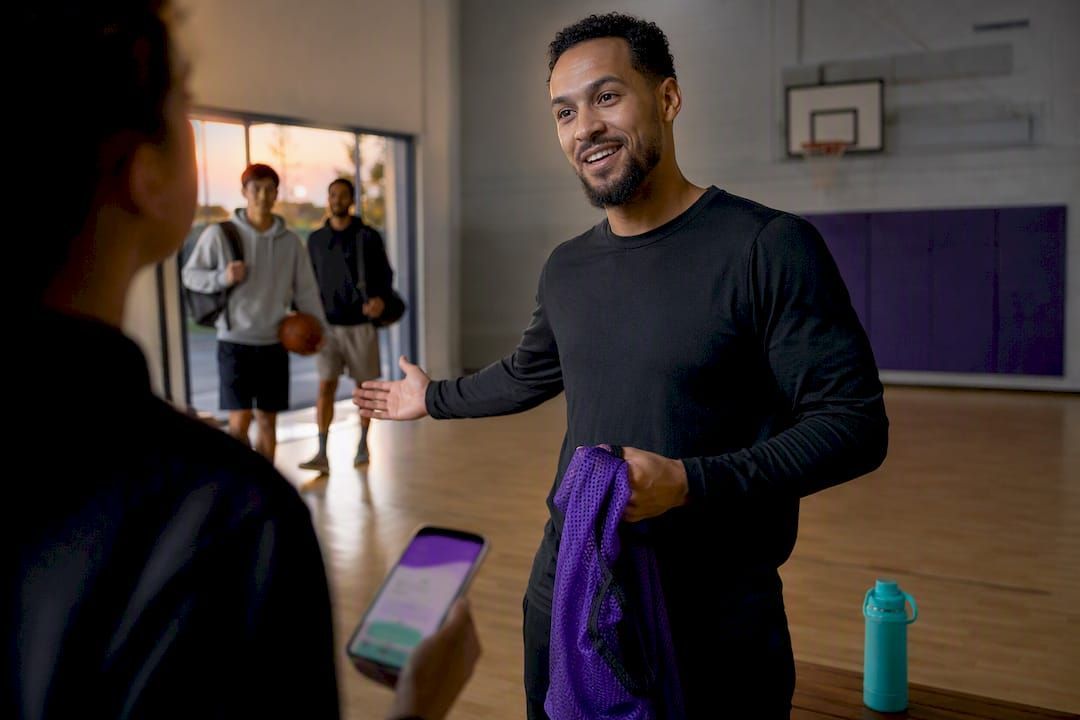
Invite-only pickup is a private game where an organizer controls who play, usually through a direct invite or a closed roster link rather than an open sign-up. If you're a player, the fastest move is to ask an organizer for that link or request access to their roster. If you're organizing, the fastest move is setting access controls and sending invites, and tools like Roster exist specifically to handle that part for you.
TL;DR:
- Using automated tools for roster management and reminders significantly reduces organizer workload and helps prevent last-minute no-shows.
- Clear communication of all essential details in invite messages and strict waitlist policies prevent confusion and promote higher RSVP rates.
- Setting a roster lock 30 to 60 minutes before game time improves attendance by giving alternates a chance to fill last-minute cancellations.
- Automated waitlists and payment tracking streamline operations, allowing organizers to focus more on the game and less on admin tasks.
- Invite-only pickup games improve overall experience by controlling skill levels and safety, increasing retention compared to open pickup sessions.
Table of Contents
- How Do You Find and Join an Invite-Only Pickup Game?
- How Do You Set Up and Run an Invite-Only Pickup Game?
- What Features Actually Cut Down Organizer Work?
- What Should Organizers Know About Waitlist Etiquette and Invite Messaging?
- Why Invite-Only Pickup Tends to Build Better Games
- Ready to Run Your Own Invite-Only Pickup?
- Sources
How Do You Find and Join an Invite-Only Pickup Game?
Private pickup runs don't show up the way public drop-in sessions do. Most invite-only groups live in one of four places: venue pages that list a session but hand off registration to the organizer, private Facebook or Discord groups, existing player networks who pass along a link, or a single shareable invite link an organizer texts to their regulars.
Venues themselves are often just the billboard, not the box office. A recreation center might post an adult pickup schedule, but the actual roster, payment, and confirmation happen inside whatever app or group chat the organizer runs. If you see a session listed with no obvious sign-up button, that's usually your cue to track down the organizer directly.
Requesting access works best when you make it easy to say yes. A short, specific message beats a vague one every time:
- State your skill level honestly (organizers vet for fit, not flattery).
- Mention who referred you, if anyone, since vouched players get faster approvals.
- Confirm your availability for the actual date, not just "most weeks."
- Ask directly: "Any chance I could get added to the invite list?"
Once you're in, the RSVP clock starts. Most organizers set a deadline several days before the game, and confirming early matters more than people think, because open spots often get auto-filled from a waitlist the moment someone drops. If you can't make it, cancel the second you know. A late cancellation in a 10-player roster can be the difference between a full game and a forfeit. Show up on time, pay promptly if the group splits costs, and treat your spot like it was earned, because in an invite-only setup, it was.
How Do You Set Up and Run an Invite-Only Pickup Game?
Running a private game well comes down to four decisions, made in order, before you send a single invite.
- Pick your access model. A closed invite list means you personally approve every player, which gives you full control but caps how fast the group grows. An invite link with a request queue lets interested players apply while you still approve each one, similar to how invite-only access groups work outside sports: membership stays closed to the public, but a queue catches people who want in.
- Set your invite timing. Open invites far enough ahead that regulars can plan around it, usually five to seven days out for a weekly run. Send reminders ahead of the game, such as one the day before and another shortly before start, a cadence that can help cut down on no-shows.
- Build your roster and alternates. Decide your cap, then decide how many alternates you'll keep on standby. Auto-invite tools can offer the next spot to a single alternate or blast it to the whole waitlist and give it to whoever confirms first, and each approach has tradeoffs worth testing against your group's habits.
- Handle payment before kickoff, not after. Collect peer-to-peer, whether through Venmo or a built-in tracker, and be upfront about the price per player. Requiring payment at RSVP, rather than at the field, eliminates the awkward "I'll pay you back" conversation that kills momentum in recurring games.
Pro Tip: Lock your roster 30 to 60 minutes before start time. Locking earlier gives alternates a real shot at filling a last-minute drop instead of scrambling with five minutes left.
What Features Actually Cut Down Organizer Work?
Not every scheduling feature matters equally. Some genuinely remove hours of admin work each week; others are just nice to have.
The essentials are a single invite link (so you're not maintaining five separate group chats), automated roster caps, an auto-waitlist that fills open spots without you lifting a finger, and reminders that fire on a schedule instead of relying on you remembering. Organizers who send a reminder both a day out and an hour out see fewer no-shows than those who send one and hope.
Beyond that, convenience features separate a decent tool from a great one:
- Peer-to-peer payment tracking built into the roster, so you're not chasing down who paid.
- QR check-in for larger games where confirming attendance by memory isn't realistic.
- Integrated chat for last-minute swaps, so a dropout doesn't require texting ten people individually.
The operational math is simple. Every manual task, chasing an RSVP, texting a waitlist alternate, tracking a Venmo payment, is a few minutes. Multiply that by a weekly game with a rotating roster of 15 to 20 people, and manual coordination eats a real chunk of a Sunday. Automating the waitlist and reminder sequence is the single biggest lever for getting that time back, because those two tasks are the ones organizers repeat every single week regardless of roster size.
What Should Organizers Know About Waitlist Etiquette and Invite Messaging?
The organizers who keep games full aren't the ones with the best players. They're the ones with the clearest rules.
A strong invite message hits six points every time: game title and skill level, date and start time, location and meeting point, RSVP deadline, payment instructions, and what to bring. Leaving any of these out is where confusion, and no-shows, start. Organizers who include all six elements consistently see noticeably higher RSVP clarity than those sending a bare "game Saturday, who's in?" text.
Waitlist rules matter just as much. Publish them once, apply them every week, and you avoid the awkward negotiation that happens when someone assumes they're automatically next in line. A workable policy looks like this:
- Alternates get promoted at a fixed point, say 15 minutes before start, not whenever the organizer remembers to check.
- Cap your alternate list at a number you can actually manage, often three to five.
- Require alternates to confirm arrival, not just confirm interest, before you hand them the spot.
Clear, published waitlist rules consistently prevent the confusion that comes from an unwritten "first come, first served" policy nobody actually enforces. Pair that with a no-show reduction strategy and a plan for when you need to cancel without losing your roster, and you've covered the three situations that break most weekly games.
Pro Tip: Post your waitlist policy once in your group chat's pinned message. You'll spend far less time explaining "why didn't I get the spot" once the rule is written down instead of remembered.
Why Invite-Only Pickup Tends to Build Better Games
Open pickup has its place, but invite-only setups solve a problem open games can't: consistency. When you control who's invited, you control skill balance, safety, and whether the group actually gets along, three things that keep people coming back week after week instead of drifting off after one bad experience with a mismatched skill level or a no-show-heavy roster.
The conventional wisdom treats invite-only as exclusionary by default. I'd argue it's closer to curation. A well-run private game isn't trying to keep people out; it's trying to keep the experience good enough that people want to stay in. That only works if someone is actually managing the roster, the waitlist, and the reminders, which is exactly the admin load that burns organizers out and turns a fun weekly habit into an unpaid part-time job. Dedicated tools exist that remove that burden and let organizers spend Saturday morning playing instead of texting.
— Daniel
Ready to Run Your Own Invite-Only Pickup?
Coordinating a private roster by hand, tracking RSVPs in one thread, chasing payments in another, means the admin work often outweighs the actual game. Some apps fix that by turning your entire setup into one shareable link: players get invited, RSVP automatically, land on a waitlist if the roster's full, and get bumped up the moment a spot opens. Some platforms offer payment tracking that runs peer-to-peer in the background, reducing the organizer's accounting tasks.
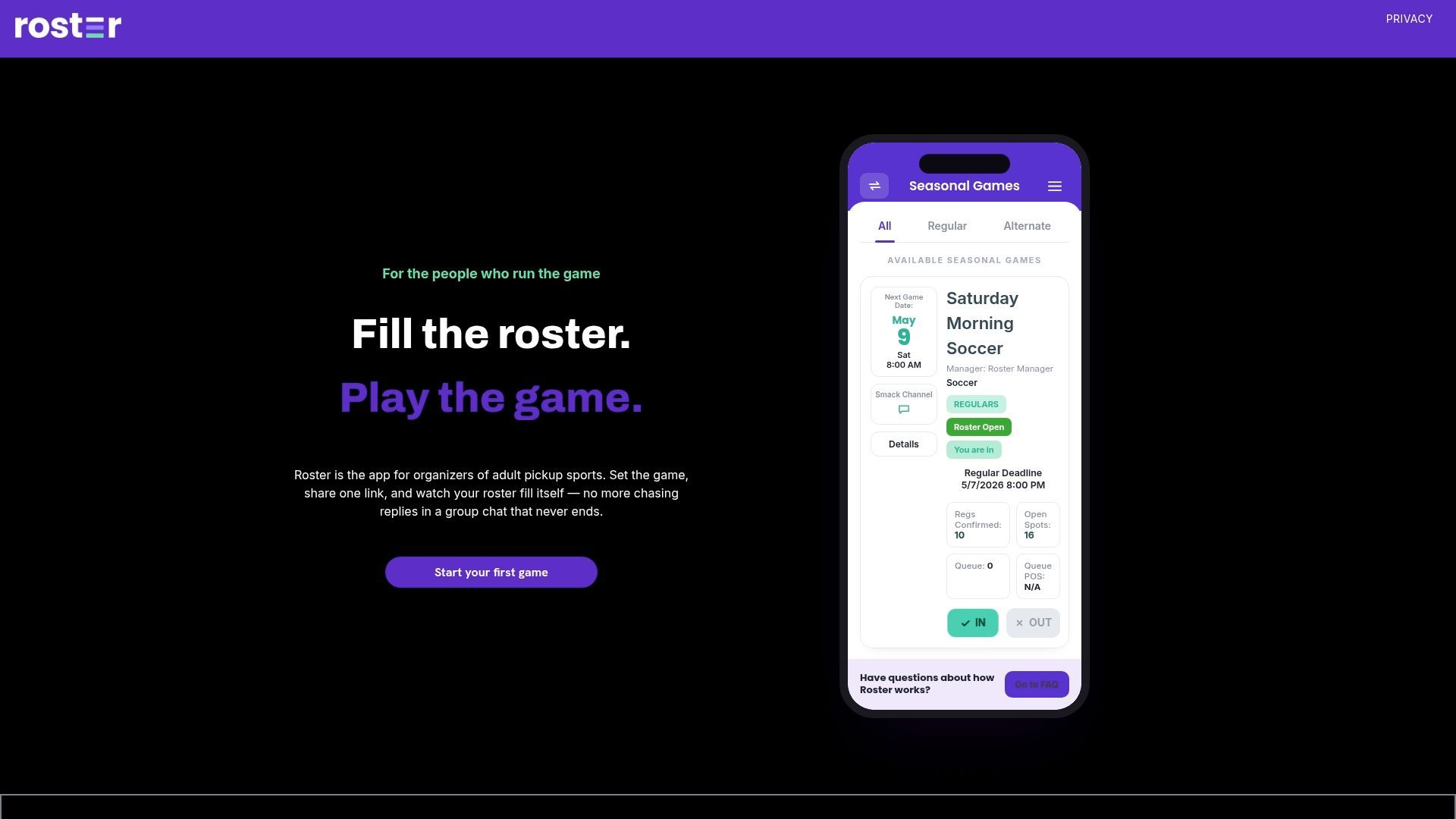
If you're currently running your invite-only game through a group chat and a spreadsheet, it's worth seeing what a dedicated game management app looks like in practice. Set up your next event, send one invite link, and see how much of your weekend you get back.
Recommended