

Email vs Chat Teams: Why Pickup Organizers Need a Roster App
Email vs Chat Teams: Why Pickup Organizers Need a Roster App

If you run recurring pickup games, use a roster app, not email or group chat, as your main system for RSVPs, capacity, and waitlists. Email is too slow and chat gets too noisy once a group tops ten or twelve regulars. The one exception: a small, one-off game where everyone already replies reliably in a single thread can limp along on chat or email for now.
Here's the quick version:
- Recurring games with fixed capacity, waitlists, or payments: use a roster-style app like Roster Sports.
- One-off casual runs with a tight, reliable group: chat or email is fine, temporarily.
- Anything with money changing hands regularly: skip the group chat entirely.
Table of Contents
Email vs Chat Teams: Comparing the Three Real Options
Every pickup organizer eventually juggles the same three tools: email, group chat, and a purpose-built roster app. They're not interchangeable, and picking the wrong one is usually what turns a fun Tuesday-night run into a second unpaid job.
Coverage and permanence. Email keeps a permanent, searchable record, but it's slow. Nobody checks email between 6 and 7pm to see if the field got double-booked. Group chat is the opposite problem: it's instant, but a 40-message thread about who's bringing cones buries the actual roster update. Roster-style apps solve both by keeping one clean, centralized page that doesn't scroll away.
RSVPs, capacity, and waitlists. This is where chat and email fall apart fastest. Someone has to manually count "yes" replies, remember who canceled three days ago, and text the next person on a mental waitlist. A dedicated RSVP tool locks capacity automatically and promotes the next waitlisted player the moment a spot opens, with zero manual counting.
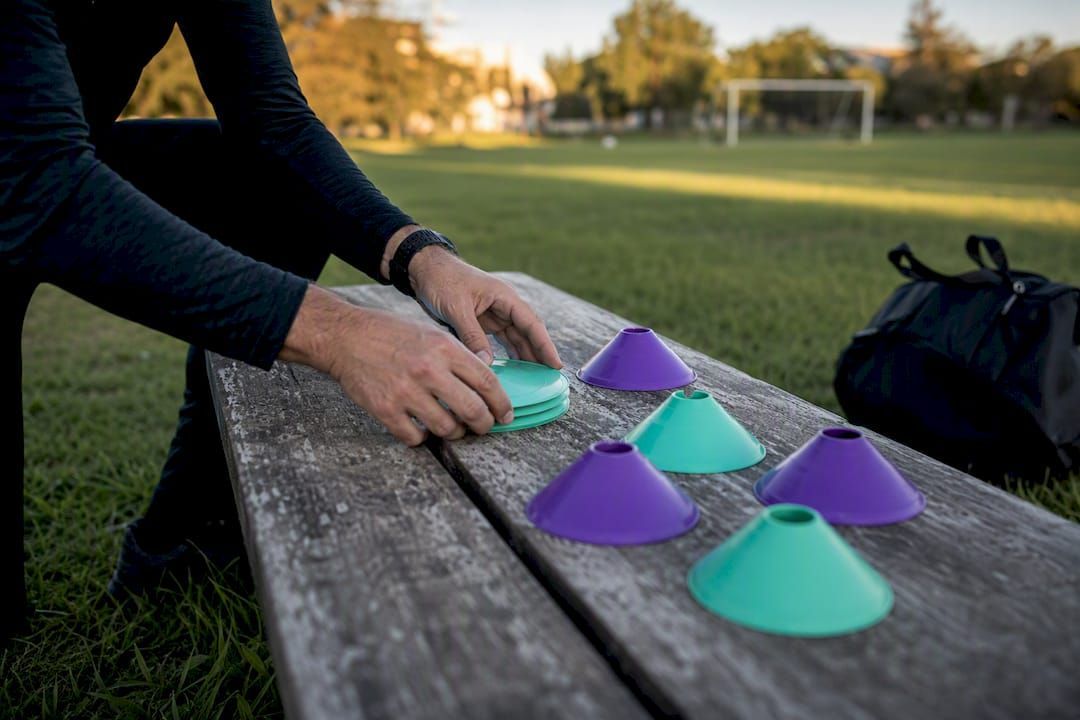
Time sensitivity and notifications. A field closure or last-minute time change needs to reach everyone fast. Group chat can do that, but only if people haven't muted it after the fortieth "who's in" ping. Roster apps tie reminders directly to the event itself, so a 24-hour heads-up goes out whether or not anyone's actively scrolling.
Payments and record keeping. Chasing Venmo requests through a group chat means scrolling back through weeks of messages to figure out who still owes for last month. It's tedious and error-prone. A roster app that tracks who's paid per game removes that guesswork entirely.
Accountability and the audit trail. Multi-team club directors have moved away from scattered email and text chains specifically because they lack read-delivery visibility. One central hub means you can see who actually saw the announcement, not just who might have.
Setup and ongoing admin time. For a single Saturday pickup game, spinning up a group chat takes ninety seconds. But that speed advantage disappears fast once you're running the same time slot every week. A season-long roster app setup takes longer once, then saves hours every week after.
Pro Tip: If you're not sure which category your group falls into, count how many times you've manually re-explained the RSVP deadline this month. Twice or more means you've outgrown chat.
How Do I Choose Between Email, Chat, and a Roster App?
The right method depends on four things: group size, how often you play, whether money's involved, and how willing your group is to try something new.
- Group size under 10, one-off game, no money changing hands. Chat works here. Keep the ask simple: "In or out by Thursday?" Don't overbuild a system for a group this small.
- Recurring weekly games with a fixed number of spots and a waitlist. This is exactly where a roster app earns its place. Once you've got a cap on players and a waitlist forming most weeks, manual tracking in chat becomes a part-time job you never signed up for.
- Club or multi-team organizer handling payments across several rosters. A roster app isn't optional here; it's the only practical way to keep accountability and payment records straight across more than one team or division.
Openness to new apps matters too. A group of twelve regulars who've played together for three years might resist switching just on principle. Give it one season before judging. Most resistance disappears the first time the app auto-fills an open spot without anyone lifting a finger.
Switching From Chat or Email to a Roster App
Moving an established group off group chat sounds harder than it actually is. Most organizers can do it in one evening.
- Pre-launch prep. Gather player contact info if you don't already have it, pick your app, set your capacity and any per-player cost, and appoint one "app champion," ideally your most tech-comfortable regular, to help stragglers get set up.
- Send the launch message. Post one clear announcement in the old group chat: "We're moving RSVPs to [app link]. Tap it, confirm your spot, and do it by Thursday. This group chat is now for banter only."
- Turn on the operational settings. Enable the waitlist, set automated reminders (24 hours and 2 hours out work well), and build recurring events if you play the same slot regularly.
- Enforce single-channel discipline. Once the switch happens, retire the old chat for official business. Field changes, cancellations, and payment reminders go in the app. Small talk stays in chat.
- Plan for walk-ons. For guests or last-minute additions who skip the app, keep a simple manual note of who paid cash or Venmo so nothing falls through the cracks.
Pro Tip: Announce the switch a week before your next game, not the morning of. People need one reminder cycle to actually open the link.
Why Roster Sports Fits the Way Pickup Games Actually Run
Roster Sports was built specifically for organizers juggling this exact problem: too many replies, not enough structure. The app automates roster management, fills open spots in real time as people drop out, and creates a waitlist automatically so you're not the one texting the seventh person on the list.
What that means day to day:
- No more manually counting RSVPs in a group chat thread.
- Waitlist promotion happens the instant someone cancels, not whenever you next check your phone.
- Manager billing tracks who owes what, tied to actual game attendance.
- One link replaces the entire "who's in this week" ritual.
Organizers running weekly games report that admin work eats several hours a week when it's handled manually through chat and spreadsheets. Moving that into a single system doesn't eliminate the work, but it shifts it from you to automation. The tradeoff worth knowing upfront: this only pays off if you commit to it as the one official channel. Keep posting game updates in the old group chat alongside the app, and you're back to square one, just with an extra login.
What Organizers Consistently Get Wrong
I've seen the same mistake sink otherwise well-run leagues: organizers try to run the new system and the old chat side by side, "just in case." That hesitation is the actual problem, not the tool. The moment you commit to one source of truth, whether that's this season's roster app or something simpler, the accumulated small tasks (chasing replies, recounting spots, texting the waitlist) mostly evaporate. Pick one method. Give it a full season before switching again.
A roster app beats email or group chat for any recurring pickup game that needs exact capacity, waitlist automation, or payment tracking.
| Point | Details |
|---|---|
| Match the tool to recurrence | One-off games under 10 players can use chat; weekly recurring games need a roster app. |
| Waitlists need automation | Manual waitlist tracking in chat wastes time roster apps eliminate through auto-promotion. |
| Payments need a record | Venmo requests buried in chat threads get lost; a dedicated tracker doesn't. |
| Accountability requires one channel | Multi-team organizers need a single source of truth with read visibility, not scattered texts. |
| Roster Sports fits recurring organizers | Roster Sports automates roster fills, waitlists, and manager billing for weekly pickup games. |
Ready to Stop Managing Your Roster in a Group Chat?
If you've made it this far, you already know chat and email each work fine for a while and then quietly become the thing eating your Sunday nights. Roster Sports was built for exactly the moment you're at now: too many players, not enough time to babysit a thread.
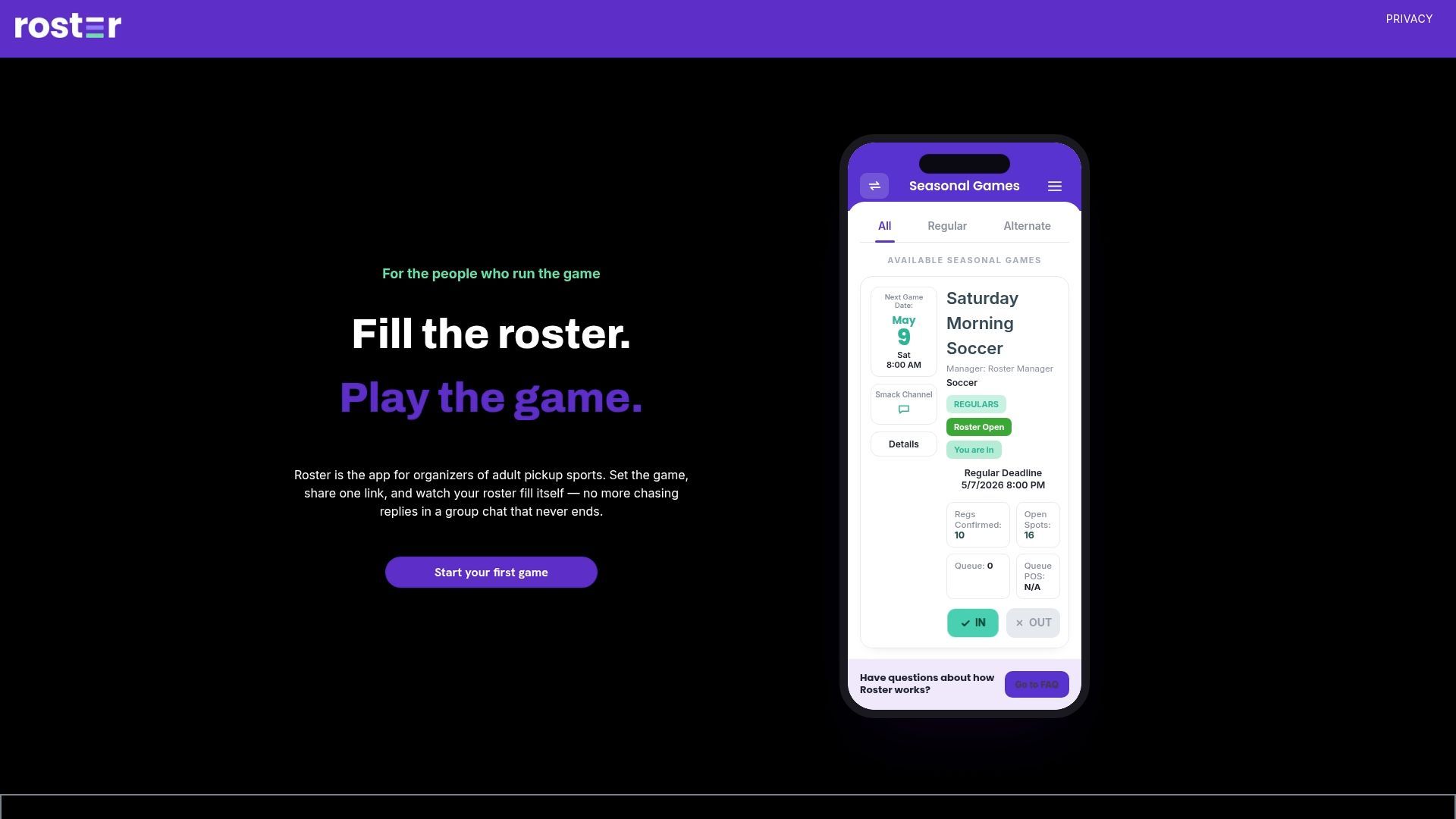
Set your game details once, share a single link, and let the app handle who's in, who's waitlisted, and who owes what. You're not managing spreadsheets or replaying "who's in this week" every seven days, you're running the game. Roster Sports also handles per-player billing automatically, so payment chasing stops being your job too. If you're coordinating a recurring pickup game, check out the app and set up your first roster before your next scheduled game. If you manage payments across multiple teams or divisions, the billing and roster features are worth a closer look before your next billing cycle hits. And if you want to see how the whole system fits together with other sports-tech tools your league might already use, Athlo covers complementary approaches to unified team communication worth comparing.
Frequently Asked Questions
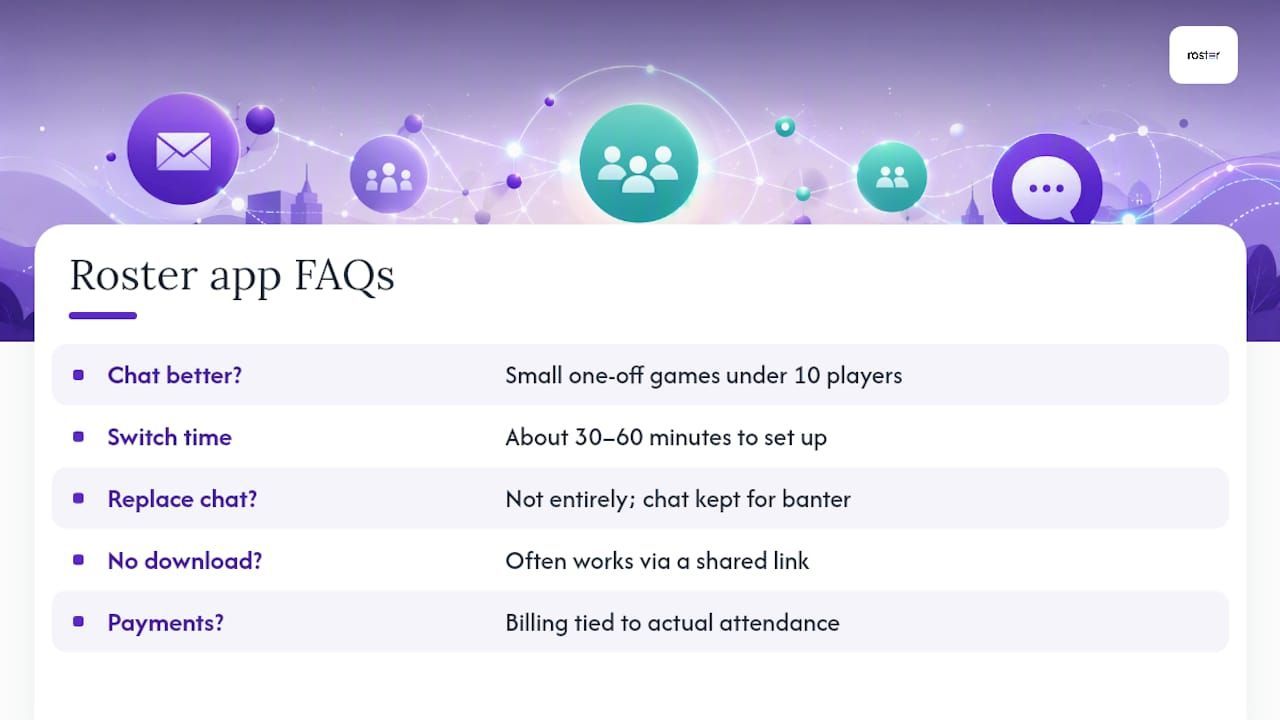
Is group chat ever better than a roster app for pickup sports? Yes, for small, one-off games under ten players where everyone already responds reliably. Once you're running the same game weekly or tracking a waitlist, chat becomes more work than it saves.
How long does it take to switch a team from chat to a roster app? Most organizers can complete setup and send the launch announcement in one sitting, roughly 30 to 60 minutes including entering player contacts and setting capacity.
Does a roster app replace group chat entirely? Not necessarily. Many organizers keep a casual group chat for banter and social plans while moving official RSVPs, reminders, and payments into the app.
What happens if a player doesn't want to download a new app? Roster-style tools typically work through a shared link rather than requiring a full app download, which lowers the barrier for reluctant players.
Can a roster app handle payments for irregular attendees or guests? Most billing in these apps ties to actual attendance, so occasional players and alternates get charged only for the games they join, not a flat season fee.
Sources
For organizers who want to go deeper on the mechanics behind these recommendations:
- Club Directors Switch to Unified Comms June 2026
Recommended